

Paxo work alerts
Your choice to text.
Personal sign-in, explicit consent and verification before work texts.
Work alerts you choose
Paxo work alerts are short operational texts about work decisions and updates you choose in your business workspace. They include phone verification, eligible YES/NO decisions and links to sign in and review current work in Paxo Business. They do not include marketing.
Carrier approval and production activation are pending. This guide describes the enrollment flow; it does not promise that messages are available for every business.
Choose texts in your account
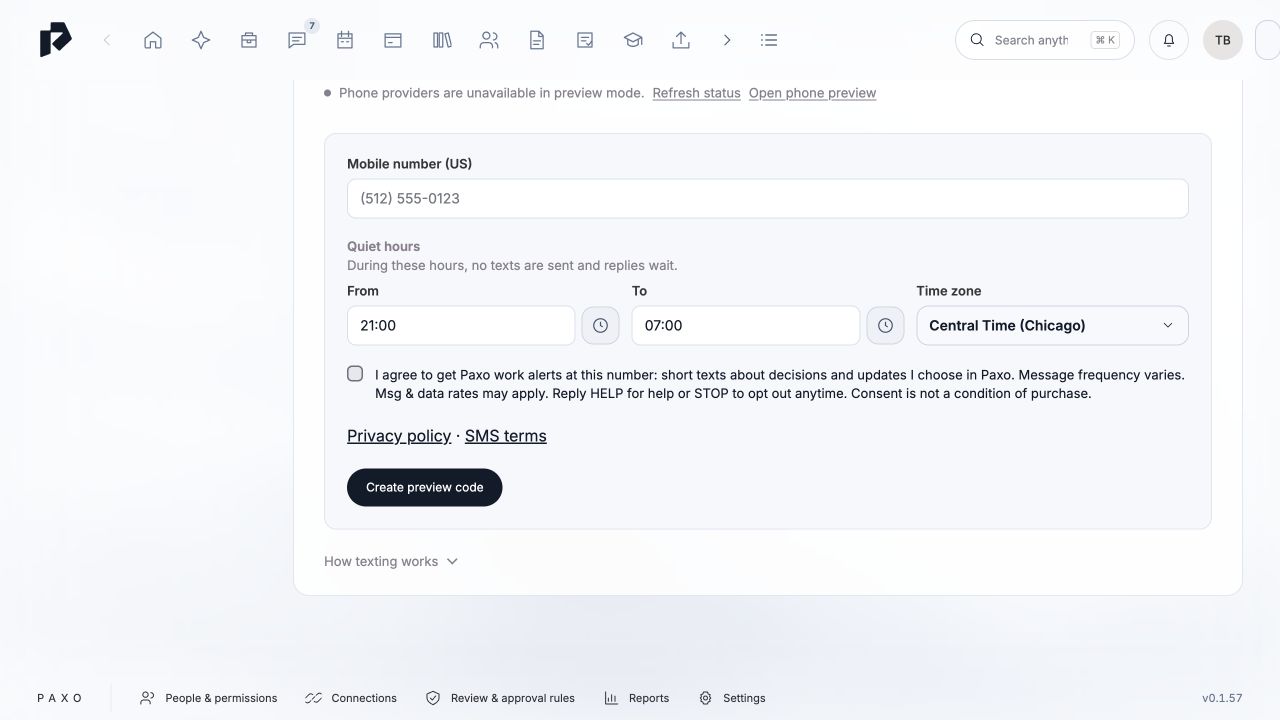
Sign in to your personal workforce account in Paxo desktop or Paxo Business. Open your phone settings, enter your US mobile number and US state, and select the unchecked consent box before requesting a verification code. Review the Privacy policy and SMS terms alongside that choice.
I agree to get Paxo work alerts at this number: short texts about decisions and updates I choose in Paxo. Message frequency varies. Msg & data rates may apply. Reply HELP for help or STOP to opt out anytime. Consent is not a condition of purchase.
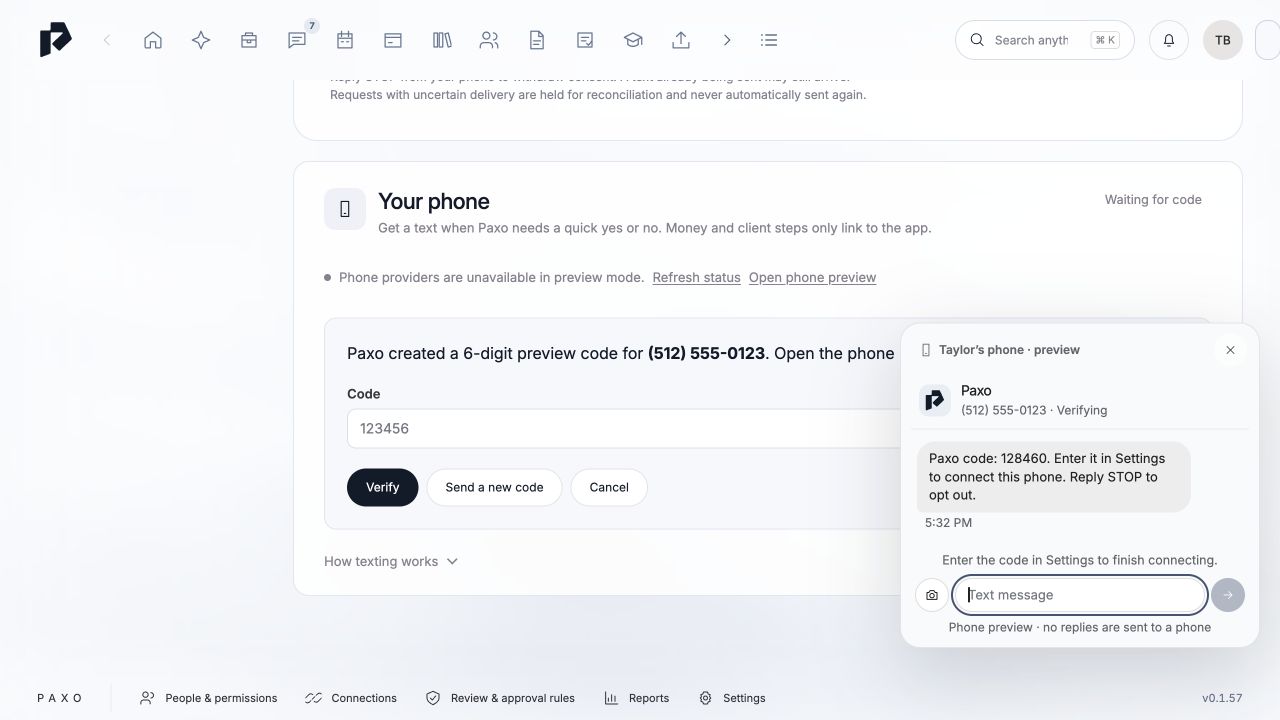
Enter the code received at your number to verify ownership. A queued request does not mean a text was delivered. Verification and current work consent are required before work alerts can be sent. Shared devices and client accounts cannot enroll a workforce phone.
Frequency, rates and stopping
Message frequency varies with the work activity you choose. Message and data rates may apply. Consent is not a condition of purchase. Reply STOP to opt out or HELP for help. You can also manage work-text preferences in Paxo Settings or contact Paxo support.
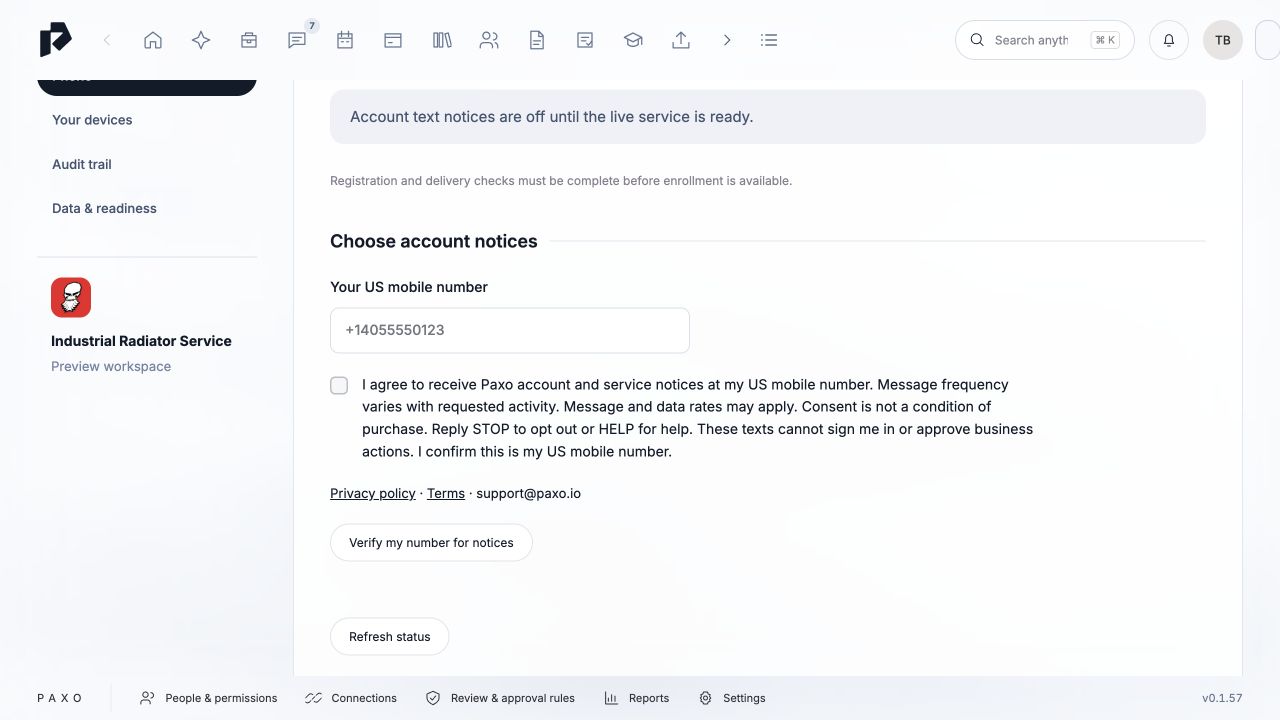
Account-notice texts, such as Paxo account or billing notices, have a separate consent choice. Signing up for account notices does not enroll you in work alerts. A public link does not grant business access or approve a decision; you must sign in and review the current item.
Your information
We do not sell or share your SMS opt-in data or personal information with third parties for marketing purposes.
Read the Privacy policy for phone-data processing and retention and the SMS terms for messaging conditions.