Cooling unit
inspection
Review the request before creating a job.
A captured request is not a confirmed job or booking.


For service and maintenance teams
Keep the job, its paperwork and the next handoff together. See one of your everyday workflows in Paxo.

One dashboard. Two mobile apps.
See how Paxo brings your work, team and clients together in 85 seconds.
Illustrative product walkthrough · fictional records. Use the player for sound, captions and full screen.
Download videoFrom request to invoice
Keep the request, evidence, decisions and billing together.
Cooling unit
inspection
Review the request before creating a job.
A captured request is not a confirmed job or booking.
Estimate · Revision 2
Ready for reviewReview the scope and revision before authorizing work.
AI prepares proposals. It can't approve, send or post anything on its own.
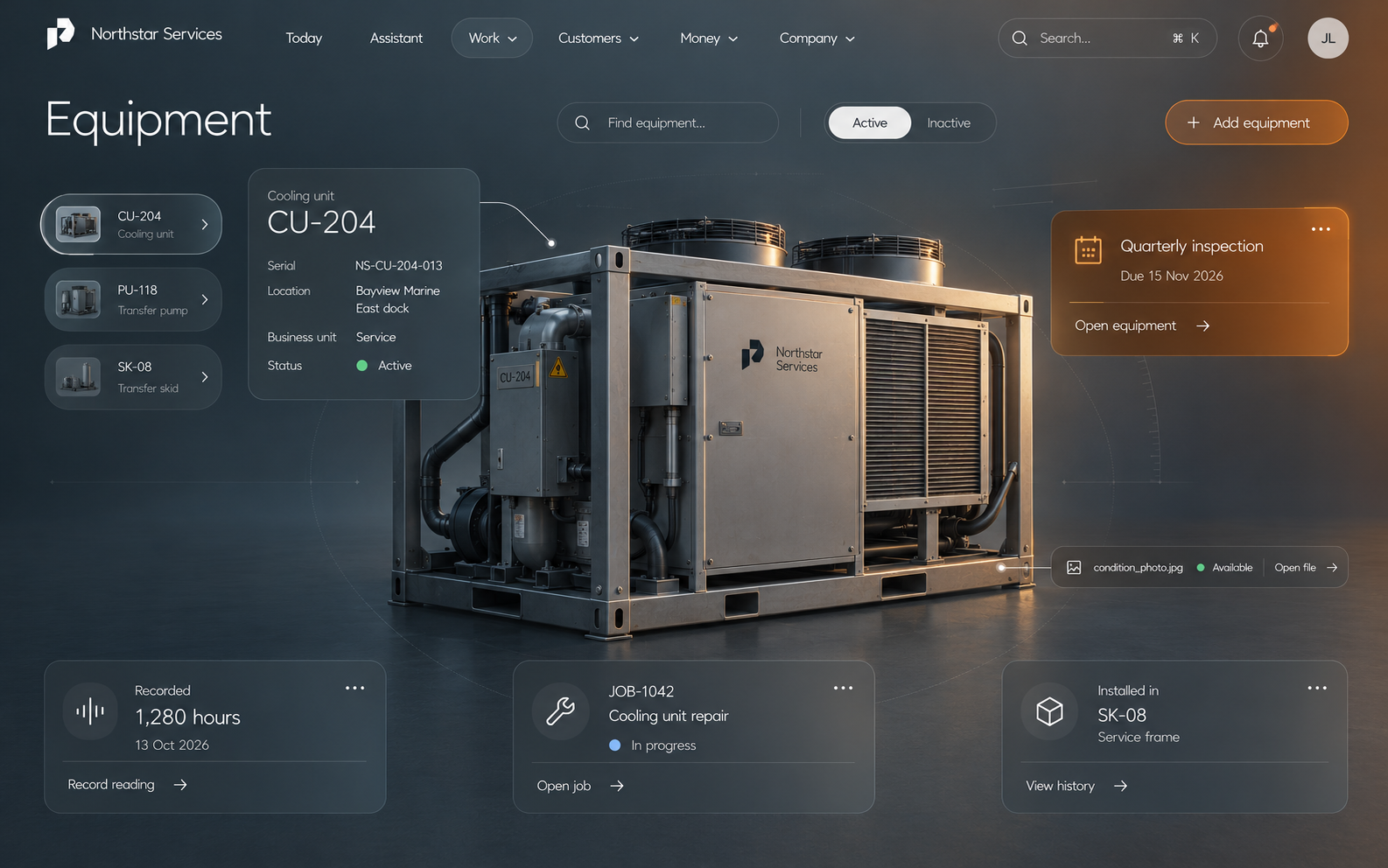
Photos, notes and updates stay with the job.
The desktop and Business app share the same business records and authority.
Invoice status
from provider
Prepare a draft. Review before issue. Provider confirms status.
The provider confirms financial status; returning from checkout does not prove payment.
Built for everyone involved
Business access for your team.
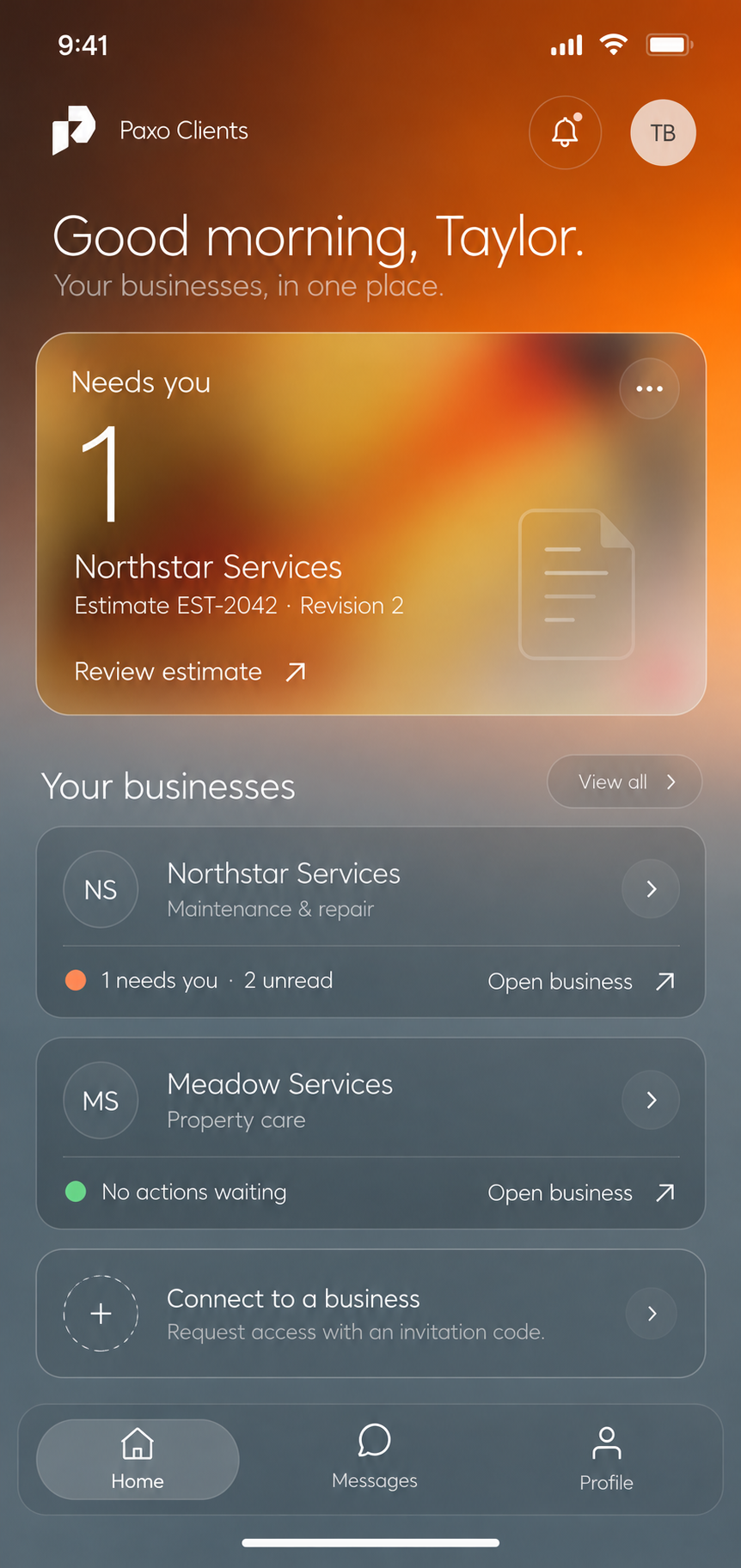
Separate client access, granted by the business.
App previews with example data. Mobile availability is being prepared.
Ask about mobile access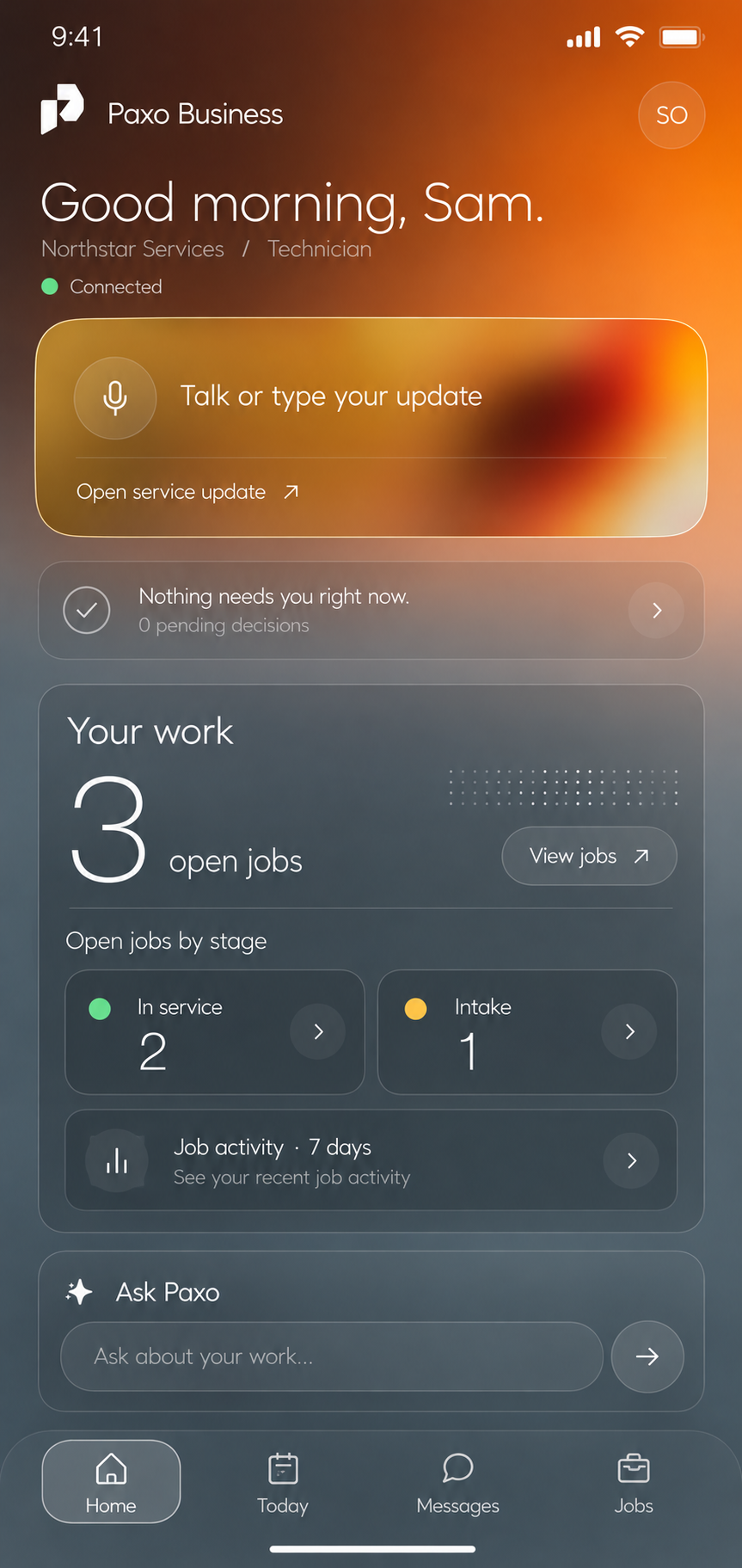
Illustrated workflow · example records. Explore the product preview →
The tools you know
Browse 3,000+ integrations and connect accounts through Pipedream in Paxo. Available reading, sync and actions depend on each app and your current permissions.
Ask about your systems Google Sheets
 Microsoft Teams
 QuickBooks
 Gmail
Gmail Google Drive
 DocuSign
Connecting an account does not import records, send messages or confirm a payment.
A closer look
Explore the product preview with example records or follow a workflow. The demo sends no messages or payments.
Sign Up verifies your account and keeps an unpaid company draft until Stripe confirms checkout.
Before you get started
Start in Sign Up, verify your account, and name or resume your unpaid company draft. Choose your plan and confirm your subscription at Stripe, then download Paxo and sign in with the same account and sign-in method. Existing owners can manage their account to resume their company.
No. AI prepares suggestions. It can't approve, send or post anything on its own. Review each proposed change and its sources before you approve it; your permissions decide what you can approve.
Browse 3,000+ integrations and connect your accounts through Pipedream in Paxo. Available sync and actions depend on the app and your account permissions. Read the Stripe integration status or ask about your systems.
Yes. Export is part of the workspace contract, and Paxo never changes the files you received. Review the customer data policy and the export tools available to your workspace and role.
Start with a demo of the workflow you want to improve. We will explain the configuration, training and plan that fit your team before you make a decision. Your price and trial terms are shown before checkout. Book a Paxo demo or view plans and signup availability.
Start with your work
Bring the handoff, paperwork or customer update that creates the most chasing. We will walk through that workflow together, then discuss what setup and support would fit your team.
Book a Paxo demo01 · Your workflow
A customer request, a service update or a job waiting on paperwork.
02 · The product
See how the job, documents and customer updates fit together.
03 · Your next step
Discuss your team, implementation and terms before choosing a plan.
Prefer to explore on your own? View plans and signup. Prices and trial terms are confirmed before checkout.
Start using Paxo
A more
connected
tomorrow